Moving from OurHome?
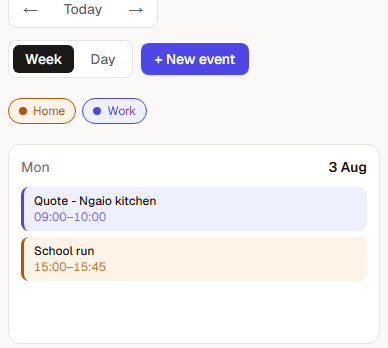
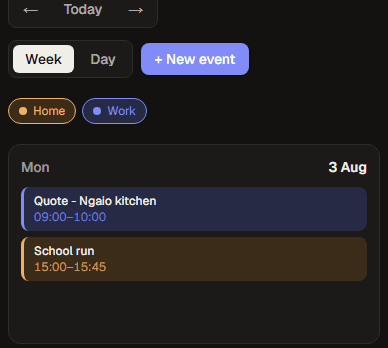
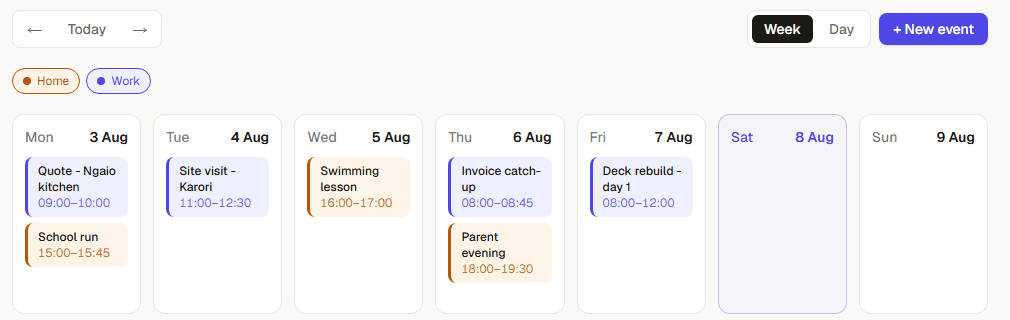
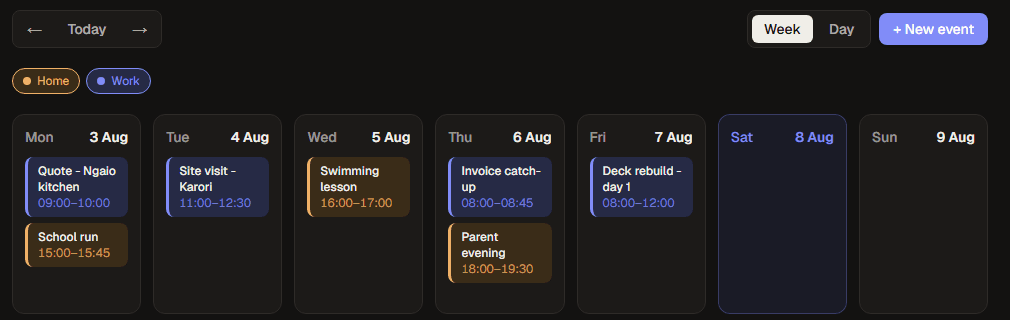
Sidefolk keeps Work and Home as separate calendars, so moving across doesn't mean retyping a term's worth of events.
What Sidefolk does differently
- Work and Home stay apart
- Two calendars, one week. Sidefolk warns you before a job is booked over protected family time.
- Paste it, don't type it
- Forward a message or upload a screenshot. Sidefolk drafts the event and you confirm it.
- Share it with the household
- Invite a partner, share a calendar, and choose who can see it and who can change it.
Bringing your OurHome calendar across
- 1Export your calendar from your current app as an iCal (.ics) or CSV file.
- 2No export option? Most apps can share a calendar feed URL. Open it and copy the text.
- 3Paste or upload it into Sidefolk.
- 4Check the preview, choose the calendar it lands in, and import.
Nothing is saved until you have seen the list of events and picked a calendar.
Bring this week across in a couple of minutes
Import first, then try pasting the next message that lands about a job or a school notice.
Import my OurHome calendar